
Keep your prompts and skills in one library. Search, then install into Cursor or Claude. The Doubao manager lists a primary pick plus alternatives in chat. Start with Discover or the three-step workflow.
One library. PickPromptsinto every chat.
On the bench
Review, debug, and ship docs — without rewriting the prompt every time.
Search the library and install into Cursor with an Install URL. Doubao lists a primary pick plus alternatives.
Code review
Reuse a review skill from the library
Debug
Pull a debug skill for the stack trace
Release notes
Use a ready changelog prompt
Install
One Install URL
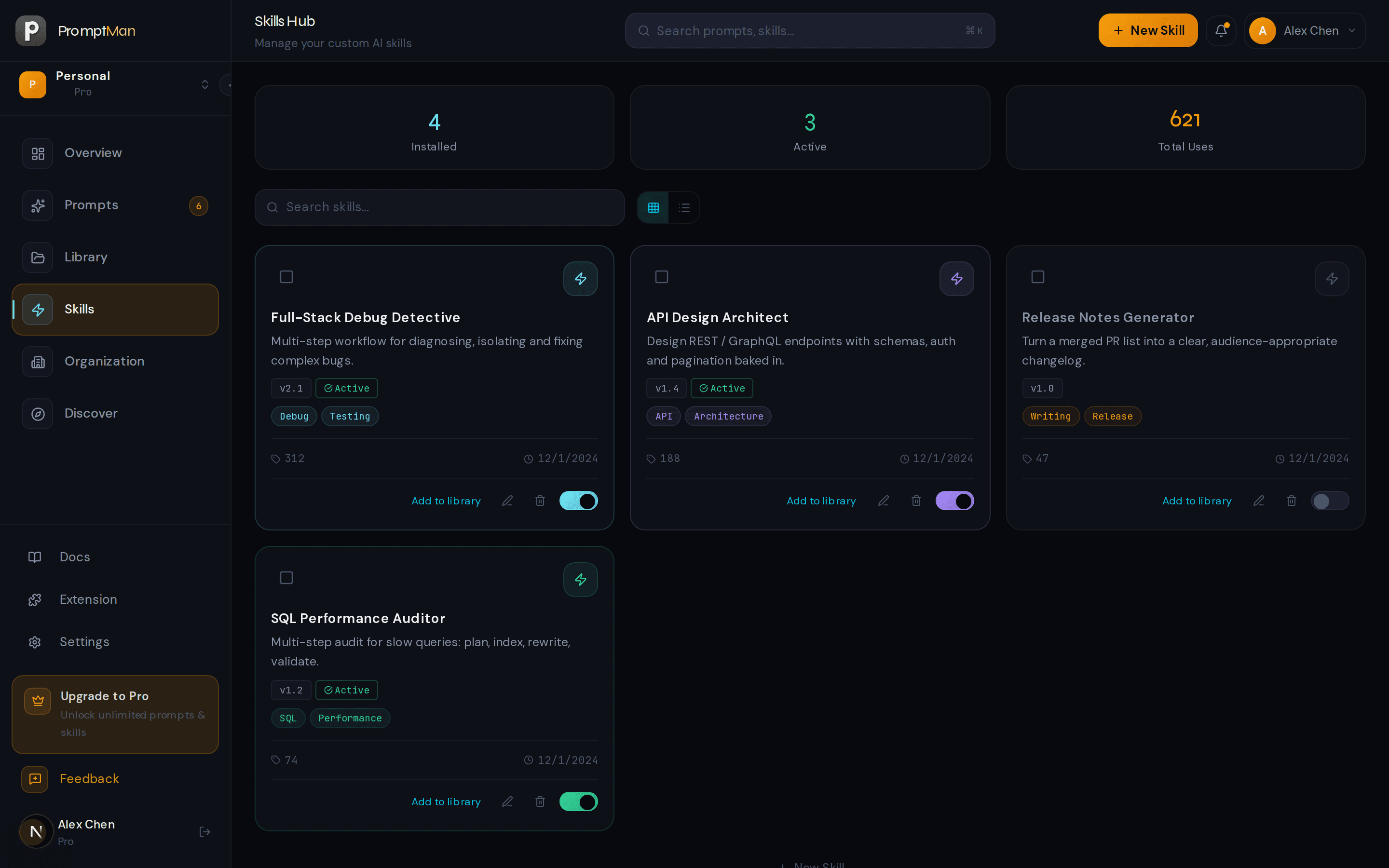
PromptMan
What are we shippingPrimary
Code Review Assistant
Skill · 142 uses · Install to Cursor
Alternatives
Security Audit
Auth, secrets, injection
Test Writer
Cover the edge cases
Install into Cursor / Claude
npx skills add https://prompt.solokit.run/api/skills/sk_xxx/install
Or let the Doubao manager pick, then run
One library for prompts and skills — delivered to every agent
More than a bookmark folder. Collect, pick, then install: Cursor and Claude via Install URL, Doubao Desktop via the manager skill, and insert from the browser anytime. See all capabilities
Prompt & skill library
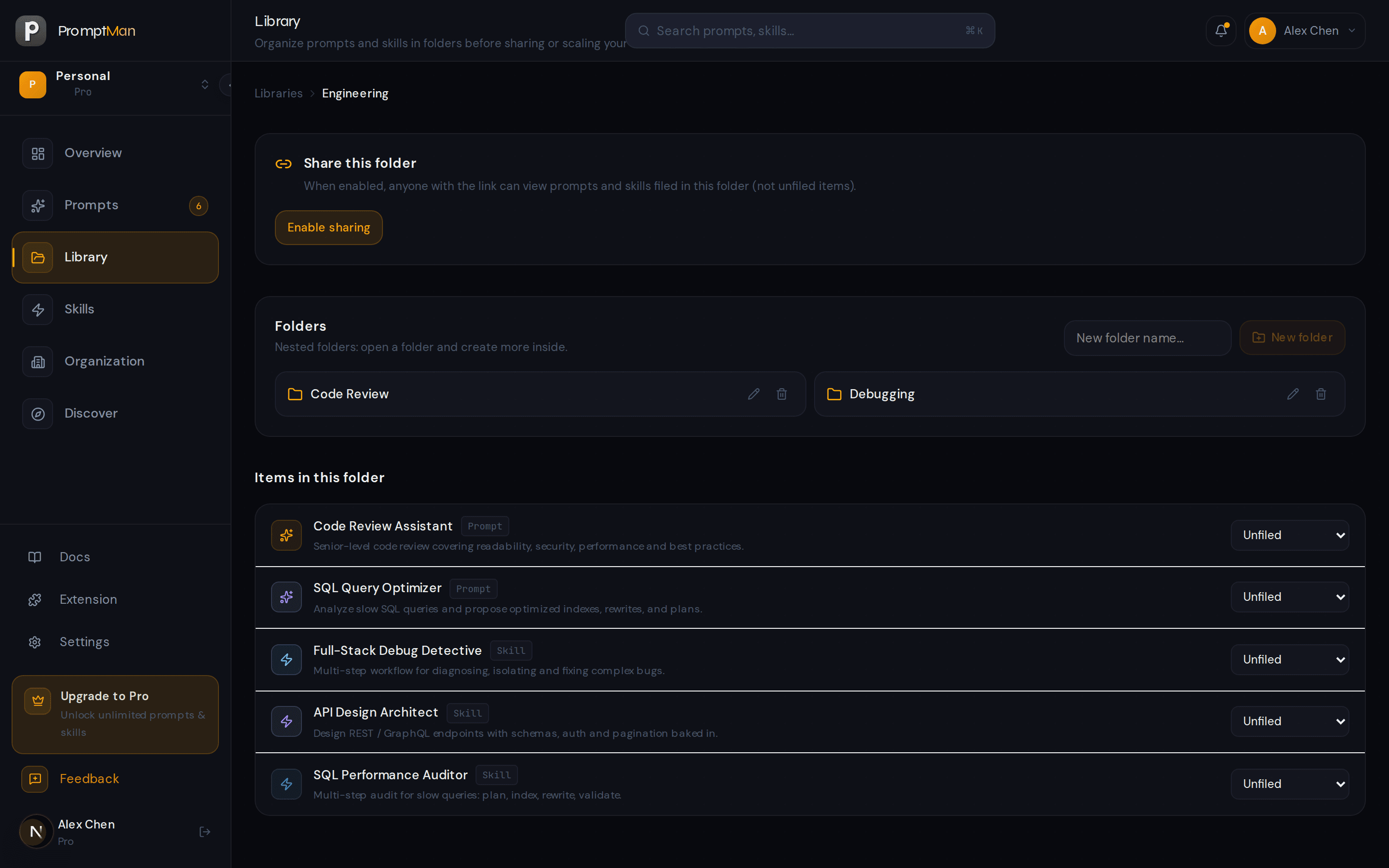
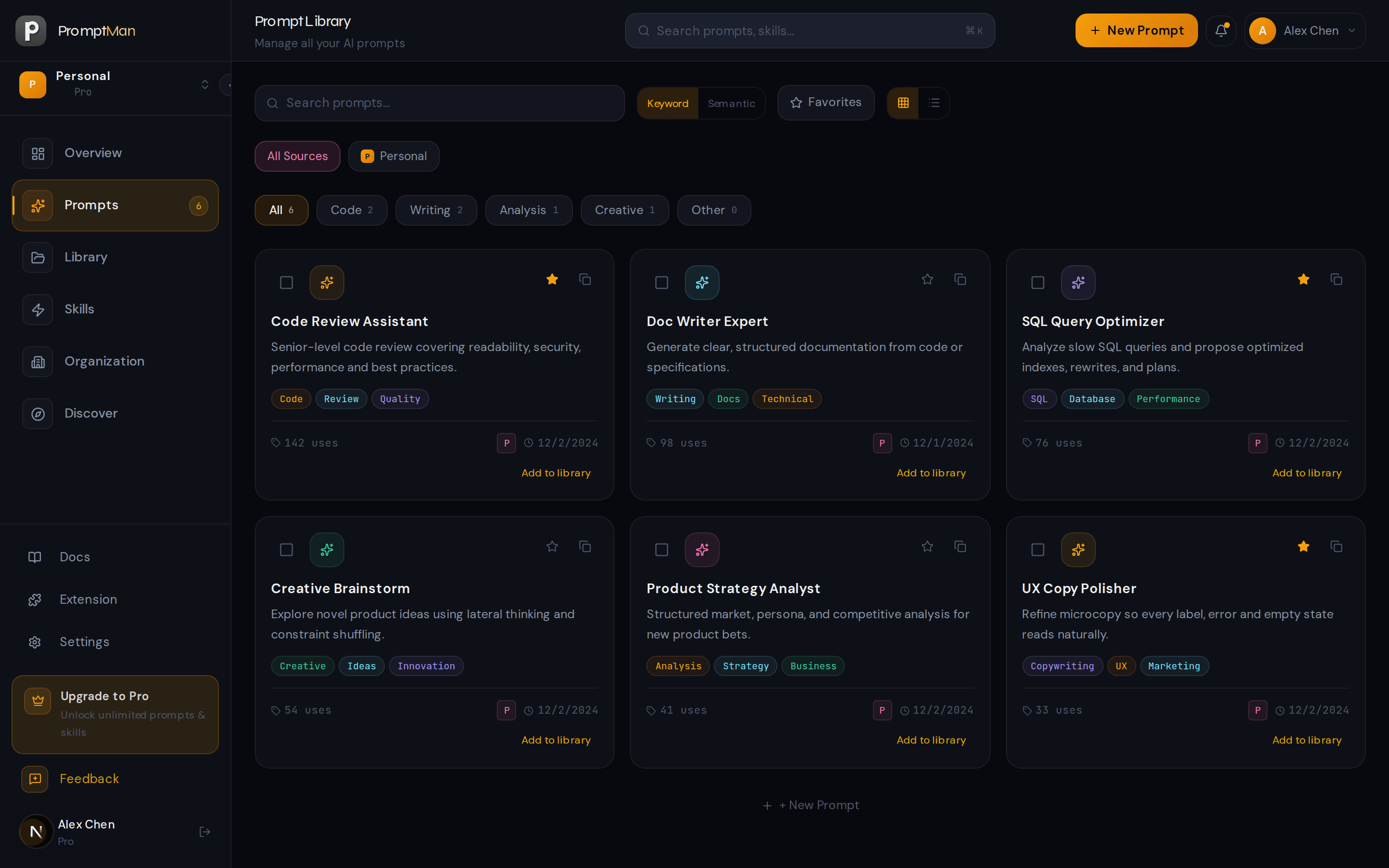
Tags, folders, and a real library. Prompts keep the body; skills ship as SKILL.md, ZIP, or a remote repo.
Install into agents
Stable Install URLs for npx skills add. Public skills need no login; private ones get a short-lived link.
Doubao manager
You install the library manager, not a single item. It searches, offers a primary pick plus alternatives, then runs.
Multi-model adapters
Write a Canonical Spec once; render persona and steps for 12 model families including Claude, GPT, Gemini, and Doubao.
Discover gallery
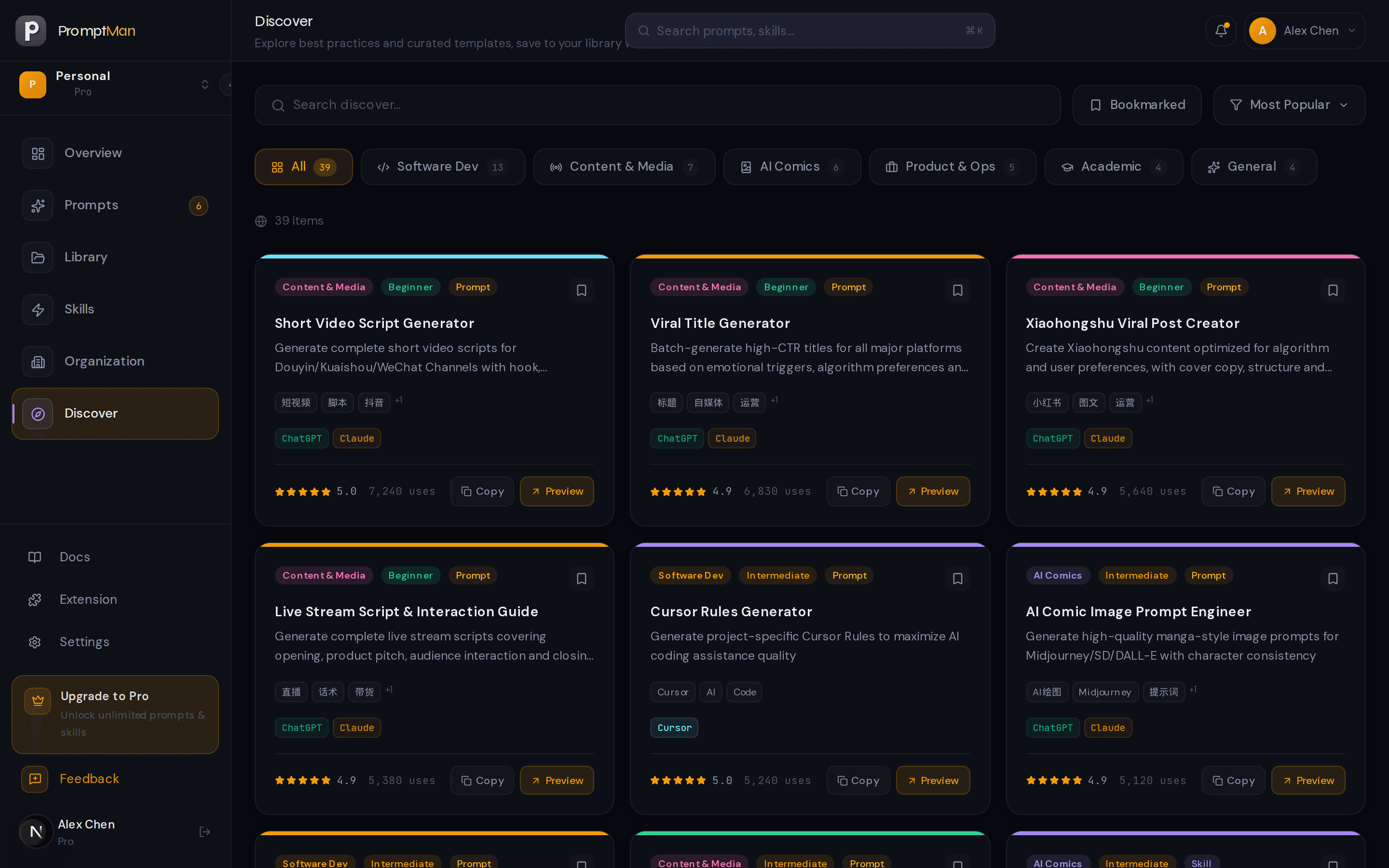
Browse and save public prompts and skills. Public skills also have an Install URL for agents. Publish your own when they are ready.
Extension & desktop
Chrome / Edge: pick and insert. Desktop syncs ChatGPT, Claude, and Cursor agent directories so local work lands in your library.
The windows you already open can talk to this library
Not another chat box. Take prompts and skills you already wrote into Cursor, Claude, Doubao, and the browser.
$ npx skills add prompt.solokit.run/api/skills/sk_xxx/install
Installed Code Review Assistant
Use it from Cursor’s skill list after install
Cursor
npx skills add
Install a public skill with one command; private skills use a signed Install URL.
See install →
SKILL.md
name: code-review
Same Install URL, for Claude in the terminal
Claude Code
Agent Skills
The same SKILL.md and Install URL, for Claude in the terminal.
See install →
Doubao manager · pick
Primary Code Review Assistant
Alt Security Audit
Alt Test Writer
Pick and run →
Doubao Desktop
Manager skill
Upload the promptman folder. Chat searches the library; you pick the primary or an alternative.
Get the manager →
Side panel · insert here
Code Review Assistant
Insert →
Browser
Chrome / Edge
Pick a prompt in the side panel and insert it into the field you are in — ChatGPT, Claude, and the rest.
Get the extension →
Three steps: save, pick, install into an agent
Save from Discover, then install into an agent. Full write-up: How it works.
Save into the library
Star items from Discover, or let the desktop app sync ChatGPT, Claude, and Cursor agent directories. Prompts and skills live in one library.
Search and pick
Search by the job. On the web, use keyword search (semantic search on Pro). The Doubao manager lists a primary pick plus alternatives, then loads the full text.
Install into an agent
Cursor and Claude Code take npx skills add. Doubao Desktop uploads the PromptMan manager. The browser extension inserts into the field you are in.
Use your prompts right where you work
Install our lightweight browser extension and access your entire prompt & skill library from any input field. Select a prompt and it inserts into the focused field.
- ChromeAvailable
- EdgeAvailable
- FirefoxComing Soon
Developer mode · Get started in a few steps
- 1Open the extensions page
Go to chrome://extensions and turn on Developer mode (top-right toggle).
- 2Load unpacked
Unzip the download, click Load unpacked, and select the extracted folder.
- 3Sign in & sync
Click the PromptMan icon in the toolbar and sign in to sync prompts and skills.
- 4Select to insert
Focus the input on the page, pick a prompt in the side panel — it inserts instantly.
Prompt & skill management, answered
What prompt management is, how skills differ from prompts, and how PromptMan improves personal productivity in the AI era — the short answers.
What is prompt management, and why do I need a dedicated tool?
How is skill management different from prompt management?
How does PromptMan improve personal productivity in the AI era?
Which AI tools does PromptMan work with?
Is PromptMan free?
Are my prompts and skills safe?
Want the long-form playbooks? Read the PromptMan guides